Name the role, user, tone, expertise boundary, and the jobs the assistant should not pretend to own.
Assistant product blueprint
Developing an AI assistant means designing a relationship with boundaries.
Use this page when the product should feel personal and useful, but still respect knowledge boundaries, tool permissions, memory, model routing, and human approval.
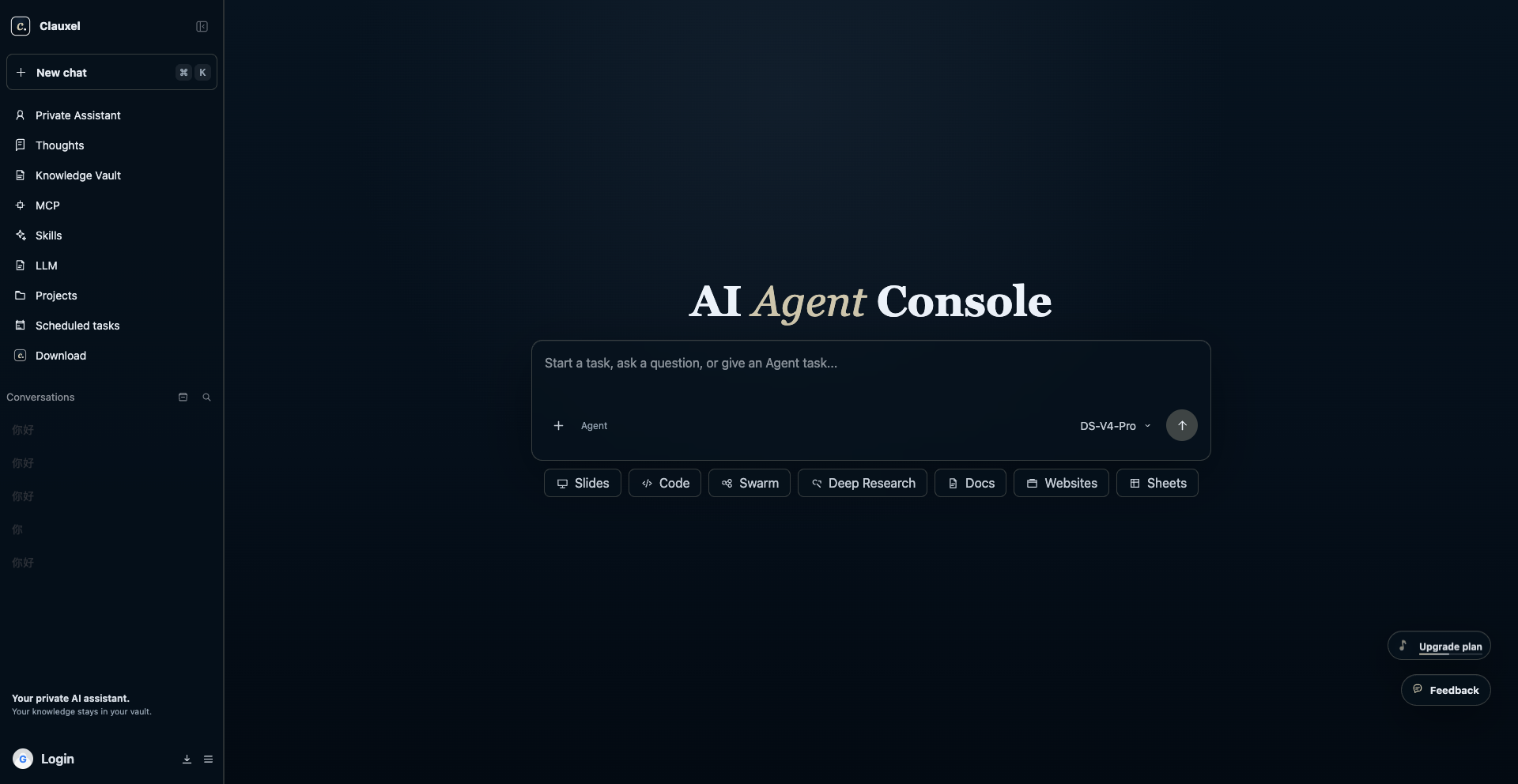
Connect documents, examples, preferences, decisions, and source traces that the assistant can cite instead of guessing.
Separate read tools, draft tools, and action tools. Put external messages, payments, settings, deletion, and public releases behind approval.
Give users a way to inspect, correct, forget, and scope memory so the assistant improves without becoming opaque.
Shape the assistant before adding power.
A private assistant is a product surface, not only a model call. The user should understand what it knows, what it can do, what it remembers, and when it will ask.
Define the assistant profile
Write the assistant name, role, tone, core jobs, non-goals, escalation rules, and examples of good answers. This profile becomes the stable center of the product experience.
Ground answers in user material
A useful assistant should retrieve from trusted notes, files, decisions, and examples. It should show when an answer uses private knowledge and when it is only general reasoning.
Separate chat from action
Conversation can be fluid, but actions need contracts. The assistant may draft, summarize, compare, and plan freely; it should pause before it sends, buys, deletes, deploys, or changes account state.
Make memory inspectable
Memory is valuable only when users can see and correct it. Store durable preferences, decisions, lessons, and source summaries instead of invisible personality guesses.
Route models by responsibility
Use a stronger route for planning and review, a faster route for routine transformations, and a specialist route for media, coding, or long-context knowledge work when the assistant needs it.
Launch with a review habit
Before a team trusts an assistant, review real transcripts, tool calls, source traces, refusals, and handoffs. Keep a short launch notebook with the examples that passed, the examples that failed, the memory corrections users made, and the permissions that still require approval. The launch habit matters as much as the first prompt.
Assistant product canvas
Use this canvas to keep the assistant useful, personal, and bounded before it becomes a larger agent system.
| Surface | User question | Design answer | Coachix module |
|---|---|---|---|
| Identity | Who is helping me and what are they good at? | A clear profile with role, tone, scope, and examples | Console profile |
| Knowledge | What does it know from my material? | Source-connected answers and editable knowledge sets | Knowledge vault |
| Tools | What can it do outside chat? | Visible tool list, schemas, permissions, and confirmations | MCP Tool Access |
| Memory | What will it remember next time? | Inspectable preferences, decisions, lessons, and delete controls | Knowledge and skills |
| Review | When do I stay in control? | Approvals before external, paid, public, or irreversible actions | Console trace |
Design the assistant boundary users can see.
Developing AI assistant products is partly technical and partly relational. A private assistant earns trust when users understand its identity, knowledge, memory, tools, and review boundaries before the assistant touches important work.
Identity card
Give the assistant a role that is narrower than a personality. State who it helps, which jobs it handles, how it should sound, and where it should defer. Developing AI assistant identity should make limits feel normal, not apologetic.
Knowledge window
Show when an answer uses trusted user material and when it is general reasoning. Users should be able to add, remove, or correct the documents and examples that shape the assistant.
Memory receipt
After a session, make durable memory legible: what preference, decision, source summary, or lesson was kept, why it helps future work, and how the user can change or forget it.
Action consent
Separate draft help from real-world action. The assistant can prepare messages, plans, comparisons, and files, but sending, buying, deleting, deploying, publishing, or changing settings needs visible consent.
Launch notebook
Keep a small notebook of transcripts that passed, answers that failed, memory corrections, refused actions, and permission changes. The notebook turns assistant development into an observable product loop instead of a collection of chats.
Use the boundary canvas during the first launch review. Developing AI assistant trust improves when users can point to the exact knowledge, memory, and permission rule that shaped an answer. If nobody can explain the boundary, simplify the assistant before adding new tools, longer context, or extra channels. During onboarding, include one saved example, one corrected memory, and one refused action so the user sees how control works in practice. A smaller assistant with visible limits usually earns adoption faster.
Use the guide with current references.
These references point to the practical pieces behind the page: agent design foundations, tool schemas, durable runtime, quick prototype surfaces, assistant authoring, memory, evaluation, and real builder caution from public communities.
Develop a private AI assistant:

Assistant name:
Primary user:
Core jobs:
Tone and style:
Knowledge sources:
Tools allowed:
Tools requiring approval:
Memory to keep:
Memory never to keep:
Review checkpoints:
First launch test:
Assistant mistakes that users notice quickly.
People forgive a limited assistant faster than a confident assistant that violates trust. Make boundaries visible from the first run.
Borrowed personality
If the assistant sounds polished but ignores the user context, it feels generic.
Mystery memory
If memory cannot be inspected, correction becomes impossible and trust drops.
Tool surprise
Users should never discover after the fact that the assistant changed something important.
Legacy assumptions
APIs and platform primitives change. New assistant builds should verify current agent-platform guidance before copying older patterns.
Developing AI Assistant: Private Product Blueprint FAQ
Keep the first version specific enough that a visitor can act today, then expand only after examples and review traces prove the workflow.
What is the difference between an AI assistant and an AI agent?
An assistant is the user-facing relationship: identity, knowledge, memory, tone, and help. An agent is the execution loop that can use tools and act toward a goal. A product may need both, but the assistant should define the user boundary first.
How should an assistant use private knowledge?
It should retrieve trusted material, cite or expose the source trace where useful, and say when the answer is not grounded in saved knowledge.
How can Coachix help develop an AI assistant?
Coachix gives the assistant a private console, knowledge vault, MCP tool surface, reusable skills, model routes, and review checkpoints in one workspace. The result is an assistant users can inspect, correct, and grow without hiding sensitive workflow decisions inside a generic chat session.
Continue the Coachix build path.
Move between agent development, prototype validation, assistant design, knowledge, tools, skills, and model routing without losing the private workspace boundary.